OneCare

Eligibility, chart audit, and ordering in one workflow.

OneCare runs the pre-procedure steps for a patient in about 5 to 7 minutes, then builds a sample claim from the procedure note. Wound care reimbursement has more rules and more audit exposure than it used to. OneCare handles the steps as one process instead of five.

How it works

Three steps before the procedure. One after.

Before the procedure: about 5–7 minutes

Automated

Verify eligibility

Automated

Audit the chart

Automated

Place the order

Procedure: product applied

Automated

Preview the claim

Sample CMS-1500 from the note.

Reviewed by the MD Biologix team

01

Verify eligibility

Enter the patient once. OneCare checks coverage with the payer in real time and returns plan status, product coverage indicators, and benefit details. No fax, no hold music, no re-keying into a separate portal.

02

Audit the chart

Upload the case file. Chart Note AI reads the entire record, including history, wound measurements, prior treatment, conservative care, and physician notes, and audits it in under a minute. The criteria are built in from the relevant NCDs and LCDs, MAC-specific rules for your jurisdiction, and what we have learned defending claims in UPIC, RAC, and MAC audits.

03

Place the order

With eligibility and the audit result on the record, order product for that patient from the same screen. Product arrives for the scheduled application.

04

Preview the claim

After the procedure, upload the note. The CMS-1500 Sample Claim Form Generator reads it and populates a sample claim: diagnosis codes, application and product codes, units applied, place of service, and date of service.

Each step is automated and each result is preliminary. Our team reviews results before a claim goes out.

Eligibility Integration

Real-time insurance eligibility

OneCare connects directly to payer eligibility systems. When a patient is entered, the check runs immediately and the result is saved to the patient record, where the rest of the workflow uses it.
Coverage status, plan type, and effective dates in seconds
Runs before each procedure and again on request. Re-verification is one tap in the mobile app
Results carry through to the chart audit, the order, and the sample claim
Prior authorization requests start from the same record when the payer requires one

Eligibility results reflect what the payer reports at the time of the check and are not a guarantee of payment. Our team confirms coverage details before an order ships.

Chart Note AI

A full case-file audit in under a minute, built on the rules auditors use.

Most chart review tools check for keywords. Chart Note AI reads the whole record and tests it against the documentation elements the applicable NCDs, LCDs, and MAC rules require for cellular and tissue-based products. These are the same elements a payer auditor looks for when a claim is pulled.

WHAT IT REVIEWS

Wound type, etiology, duration, and measurements across visits
Conservative and standard-of-care treatment and how long it was tried
Comorbidities and the workup the policy expects, such as vascular status, glycemic control, offloading, and infection control
Application history, product selection, and unit counts
Physician attestation, treatment plan, and re-evaluation notes

WHAT YOU GET BACK

A finding-by-finding result showing which coverage criteria are documented, which are missing, and where the evidence sits in the record
Audit-defensibility notes covering items that are not required for coverage but that get challenged on review
A list of what to add to the chart before the claim goes out

WHERE THE CRITERIA COME FROM

The system has built-in parameters from the relevant National Coverage Determinations and Local Coverage Determinations for skin substitutes and cellular and tissue-based products, along with MAC-specific rules, so the audit applies the policy that governs your jurisdiction rather than a generic checklist. Layered on top is first-hand experience defending claims through UPIC, RAC, and MAC audits. When policy changes, the parameters are updated.

Chart Note AI produces a preliminary audit. It does not make coverage determinations and is not a substitute for physician judgment or payer review. Our reimbursement team reviews audit results.

CMS-1500 Sample Claim Form Generator

Post-Procedure Claim Preview

See the claim before you bill it.

After the application, upload the procedure note. The CMS-1500 Sample Claim Form Generator reads it and populates a sample claim from what was documented: the wound treated, the product and size applied, and the units used. You see what the claim will look like, and whether the note supports it, before anything goes to the payer.

WHAT IT FILLS IN

ICD-10 diagnosis codes and pointer order
CPT application codes and HCPCS product codes with units
Date of service, place of service, and provider fields
Product size applied and wound measurements that support the unit count

WHY IT MATTERS

Catches code and unit mismatches while the procedure note can still be addended
Gives your billing staff a starting point instead of a blank form
Ties each claim line back to the documentation that supports it
Uses the same NCD, LCD, and MAC-specific rules as Chart Note AI, so the preview reflects your jurisdiction's coding and unit requirements

The output is a sample for review, not a submitted claim. Your billing team or ours reviews it before filing.

Ordering and supply

Order from the same screen
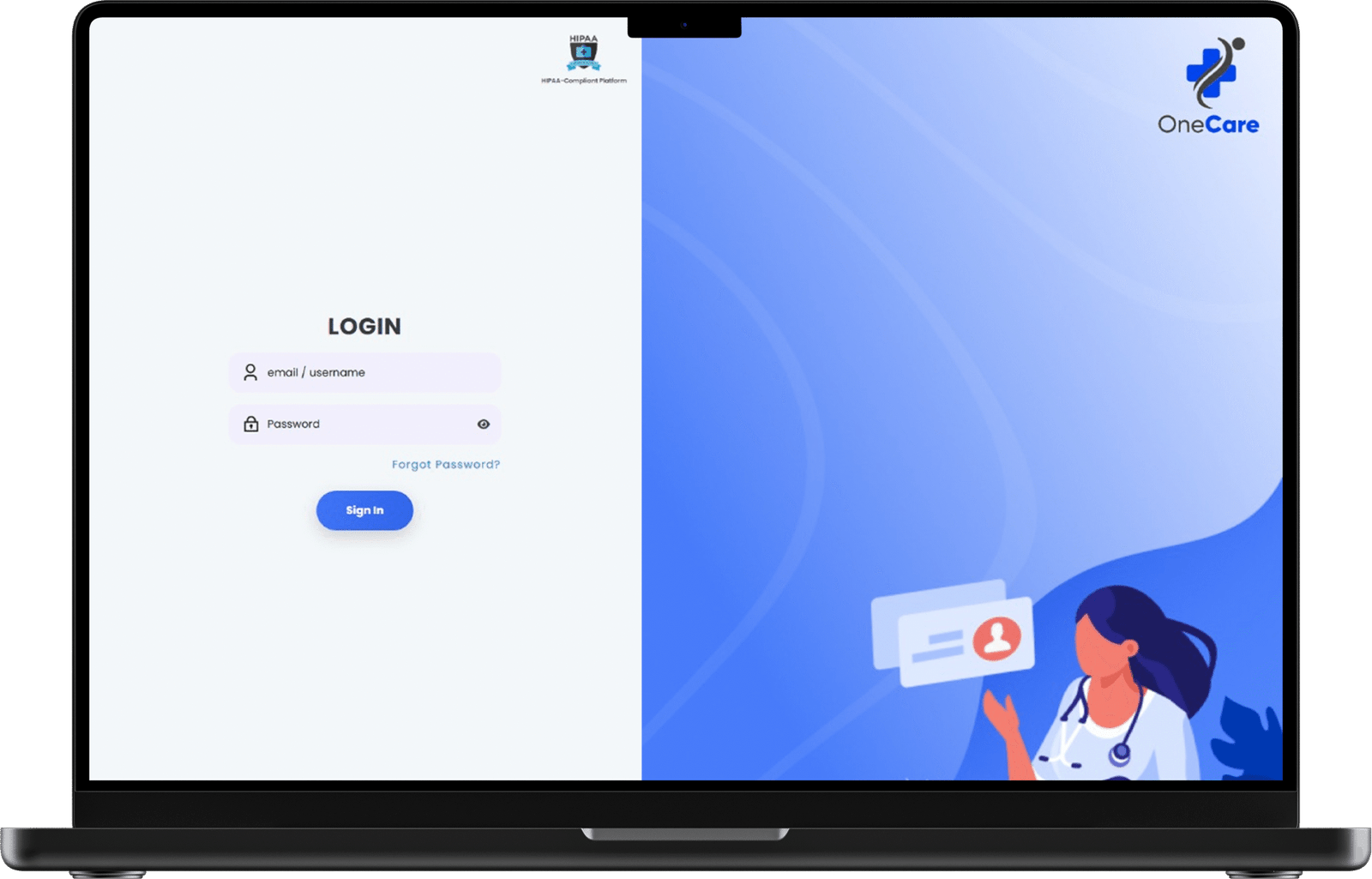
Eligibility and audit results live on the patient record, so ordering is the last click before the procedure, not a separate process. Select product and size, confirm quantity, and submit.
Product, size, and unit selection tied to the wound record
Real-time inventory and order tracking
Invoicing and card payment in the platform
Tissue tracking and regulatory records for each graft
Reporting across eligibility, audits, orders, and revenue
OneCare platform

Human review

Automation does the work. Our team checks it.

OneCare results are preliminary. MD Biologix reimbursement specialists review eligibility results, chart audits, and sample claims before an order moves forward or a claim goes to billing. The platform makes that review take minutes instead of days.

OUR TEAM ALSO HANDLES

Prior authorization submission and follow-up
Claim questions and reimbursement guidance on our product line
Denial support, appeal templates, and peer-to-peer assistance
Audit response preparation when a payer requests records
OneCare mobile app

Mobile app

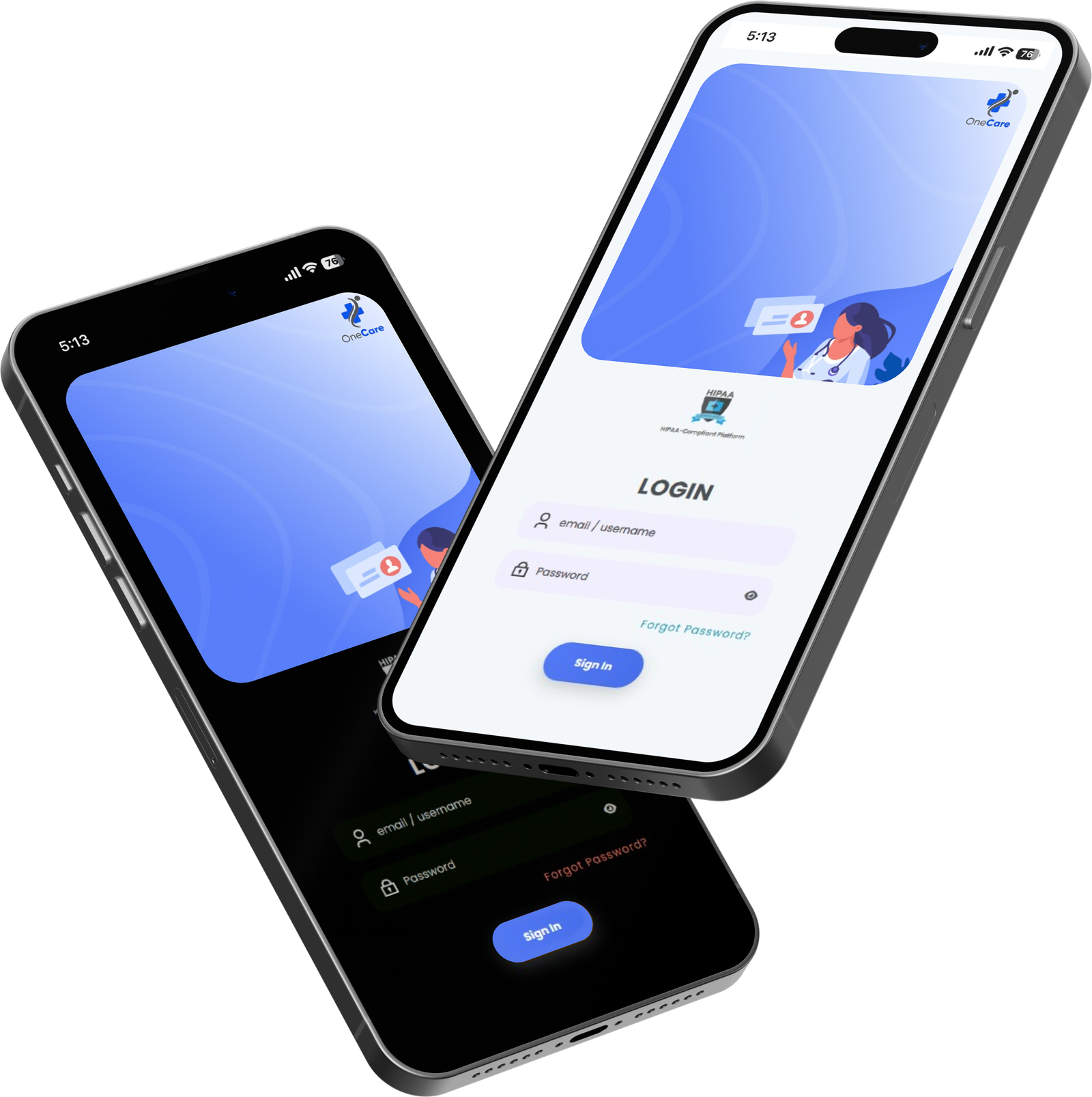
OneCare on your phone

Check patient eligibility
Submit for re-verification
Upload chart notes and tissue log records
Track orders

See the full workflow on one patient

A 20-minute walkthrough covers eligibility, the chart audit, ordering, and the claim preview, start to finish.

Get in touch

Contact us

For questions or more information, please contact us directly via phone, email or online submission.

Address: 1750 Briercroft Ct. Suite 228, Carrollton, TX 75006

Email

Send an Email

You can reach out to us by sending an email through the form provided, and our team will make every effort to respond to your inquiry as quickly as possible.

Schedule a Consultation

Schedule a personalized consultation with our team by clicking the link below to access our Calendly scheduling tool.

Personalized clinical walkthrough
Flexible scheduling via Calendly
Schedule a discovery Call